IPTVMac
עברית

DownloadIPTVMacfor free.

One free player for your Mac, your PC, your phone and your TV. Pick your device; the app contains no ads and no tracking.

Download for MacVersion 0.9.6 · 16 MB · Apple Silicon, macOS 14+
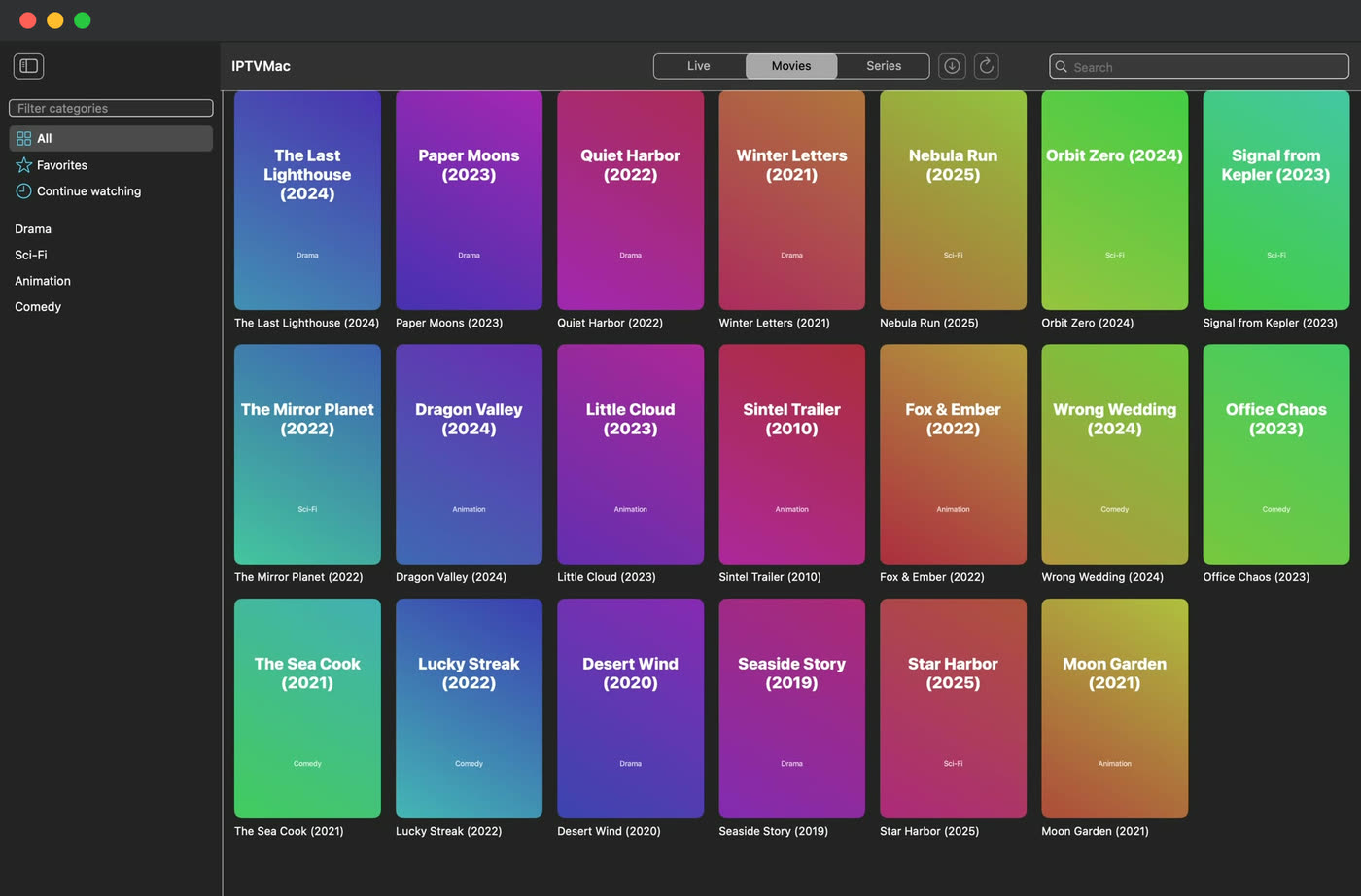
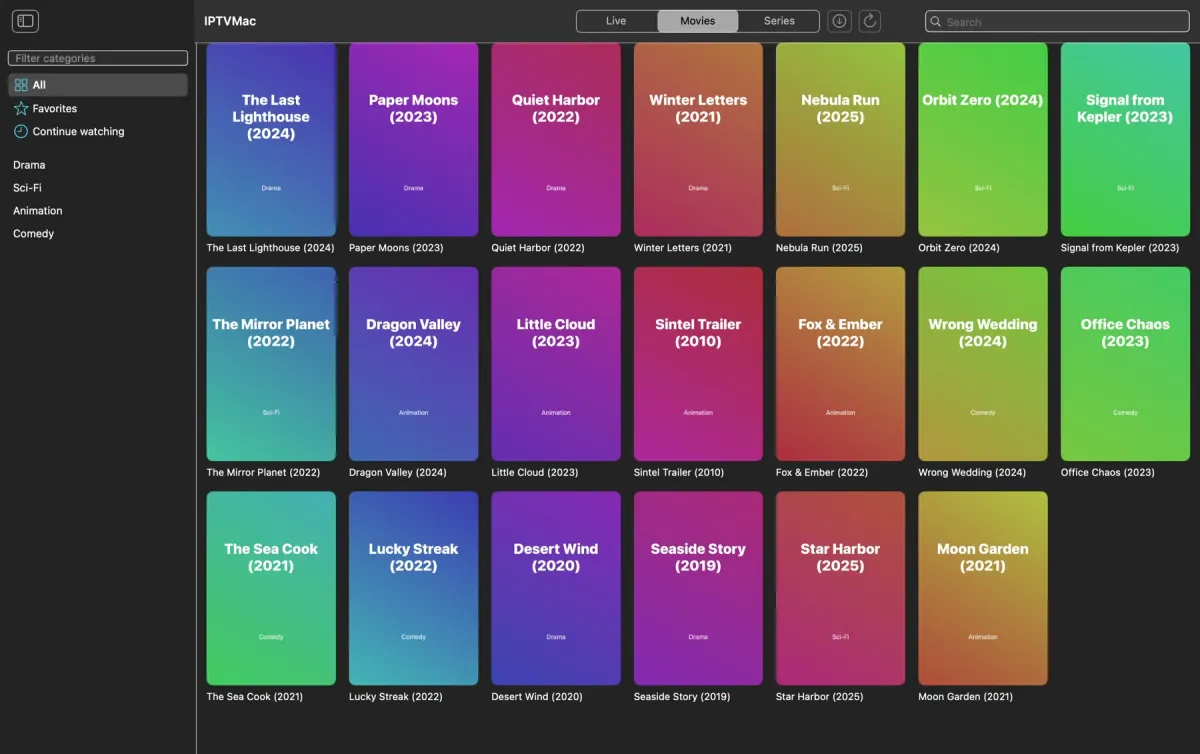
IPTVMac on a Mac: a wall of movie posters
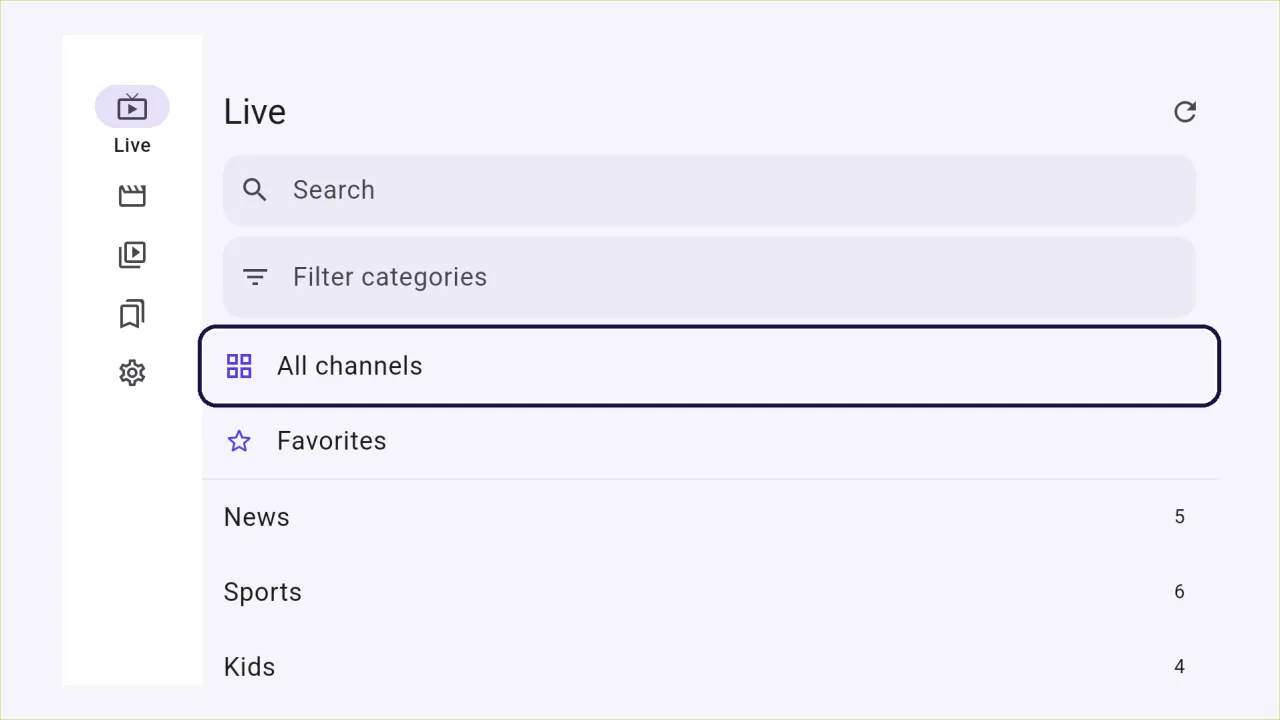
IPTVMac on Android TV: live channels with the remote-control focus ring
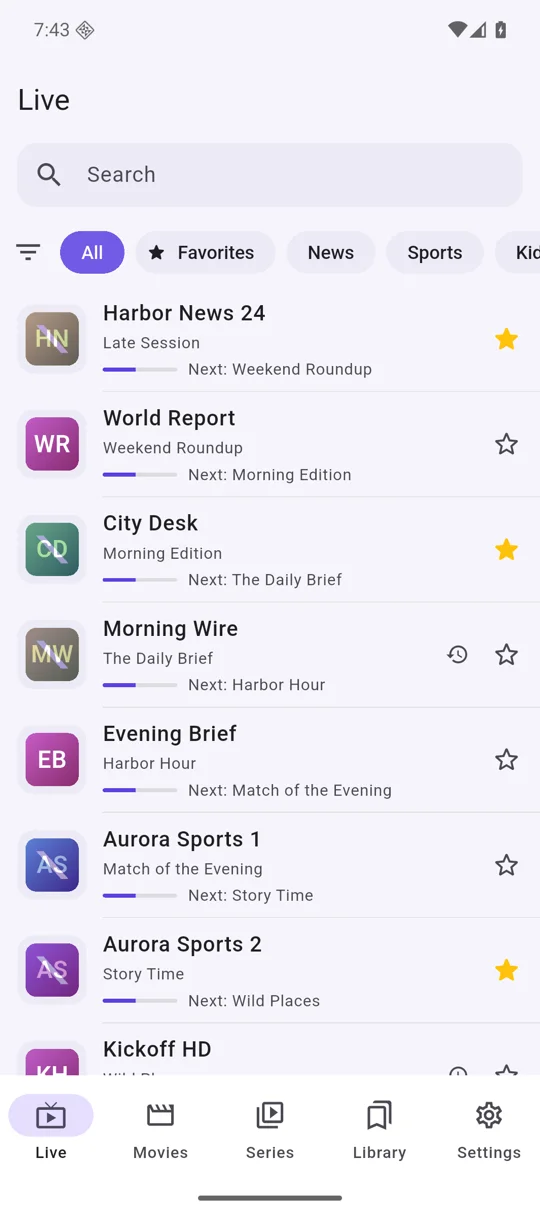
IPTVMac on an Android phone: live channels with the program now and next
Every device
  • Free
  • Open source, GPL-3.0
  • No account
  • No ads
  • No tracking
  • 31 languages
  • Xtream Codes and M3U
  • Mac, Windows, Android, Android TV
  • Powered by mpv
  • Picture in Picture

Choose your screen.

The file, three steps and what to expect, for each device.

  1. MacApple Silicon
  2. WindowsWindows 10 and 11
  3. Phone and tabletAndroid 8+
  4. TVAndroid TV, Google TV, Fire TV
  5. iPhone and iPadComing soon
IPTVMac on a Mac: a wall of movie posters

Mac

Apple Silicon (M1 or later), macOS 14 or later.

Download the DMGv0.9.6 · 16 MB

Or install from Terminal in one line:

curl -fsSL https://raw.githubusercontent.com/Goelir/IPTVMac/main/install.sh | bash
  1. Open IPTVMac.dmg and drag the IPTVMac icon onto Applications.
  2. Open the app and add your Xtream Codes login or M3U link.
  3. That is all: the app updates itself.

Signed with an Apple Developer ID and notarized by Apple, so it opens with a normal double-click. The one-line command works for every version and checks the signature and SHA-256 for you.
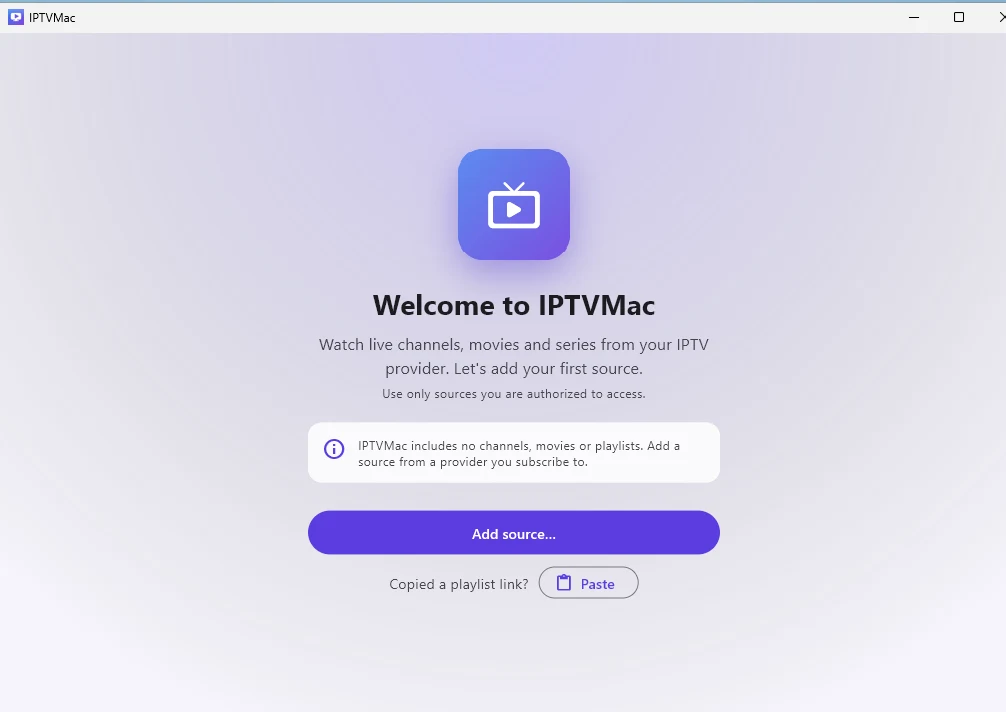
IPTVMac on Windows 11: the welcome screen

Windows

Windows 10 or 11, 64-bit.

Download the installerv1.0.3 · 27 MB

Or the portable zip (no install, unzip and run): IPTVMac-Windows-1.0.3-portable.zip (39 MB)

  1. Open IPTVMac-Windows-setup.exe. It installs for your user only and needs no administrator rights.
  2. Windows may say it protected your PC: the app is not signed with a paid certificate yet. Choose More info, then Run anyway.
  3. Open IPTVMac and add your Xtream Codes login or M3U link. Space pauses, the arrows seek, F fills the screen.

Light by design: about 27 MB to download, and while it just sits open it uses almost no processor. Updates are manual for now: the app tells you when a new version is out, and you run the new installer over the old one.

IPTVMac on an Android phone: live channels with the program now and next

Android phone and tablet

Android 8 or later.

Other files: armeabi-v7a (38 MB) · x86_64 (46 MB)

  1. Download the file on the phone and open it.
  2. Android asks to allow installs from your browser or Files app: allow it. If Play Protect warns about an app from outside the Play Store, choose Install anyway.
  3. Add your source. A banner tells you when a new version is out: tap Update now and the app downloads and installs it (Android asks you to confirm), and your data stays.

Not on the Play Store yet, so the install is a direct file. It is signed with the project's own key.

IPTVMac on Android TV: live channels with the remote-control focus ring

Android TV, Google TV, Fire TV

Android 8 or later. Works with the remote control; no touch screen needed.

https://github.com/Goelir/IPTVMac/releases/download/android-v1.0.6/IPTVMac-Android-1.0.6-tv-32bit.apk

  1. On the TV, install the Downloader app and open it.
  2. Type the address of the file, or copy the file to a USB stick and open it with a file manager. Try the 32-bit file first; if the TV says it is not compatible, use the 64-bit one.
  3. Allow Downloader to install apps, then install and open IPTVMac. OK selects, Back goes up one level, and holding Back closes the app.

Installs directly for now (no store listing yet). Updates are manual: install the new file over the old one. There are no downloads or backup files on the TV version.

Coming soon

iPhone and iPad

iOS 17 or later.

The iPhone and iPad app is built and waiting for App Store review. You can build it from the source in the meantime.

    Which Android file?

    Phones and tablets use one of the first three. TVs use the TV files. If unsure, take the one marked as the usual choice.

    FileForSize
    arm64-v8aAlmost every phone and tablet made since 2017. The usual choice.41 MB
    armeabi-v7aOlder 32-bit phones and tablets.38 MB
    x86_64Emulators and some Chromebooks.46 MB
    tv-32bitTVs and boxes: runs on almost all of them, including most Fire TV sticks.38 MB
    tv-64bitTVs and boxes that need a 64-bit app (try it if 32-bit is refused).41 MB

    Check what you downloaded

    Every Android release lists the SHA-256 of each file in SHA256SUMS.txt, and the Mac release lists the SHA-256 of IPTVMac.dmg in its notes. Compare them with shasum -a 256 <file> on a Mac or Linux, or certutil -hashfile <file> SHA256 on Windows.

    The Mac app is notarized by Apple (an automated malware scan, not a review of the app). In-app updates on the Mac are verified with a signature before they are installed.

    Checksums (SHA256SUMS.txt)

    Older versions and source

    Every release stays on GitHub. IPTVMac is open source under GPL-3.0, so you can read the code or build it yourself.

    Need a hand?

    Step-by-step guides, and a support page that never asks for your login.

    IPTVMac is only a player. It includes no channels or content: use it with a source you are authorized to access.