IPTV on iPhoneand iPad. Free.
The same player and search as on the Mac, made for touch. On the App Store, with no ads, no subscription and no paid features.

Install
iOS 17 or later.
- Open the App Store page and tap Get.
- Open IPTVMac and add your Xtream Codes login or M3U link.
- That is all: the App Store keeps it up to date.
Completely free: no ads, no subscription, no paid features and no account. 31 languages. Needs iOS 17 or later. The source is also here if you want to build it yourself.
What you get
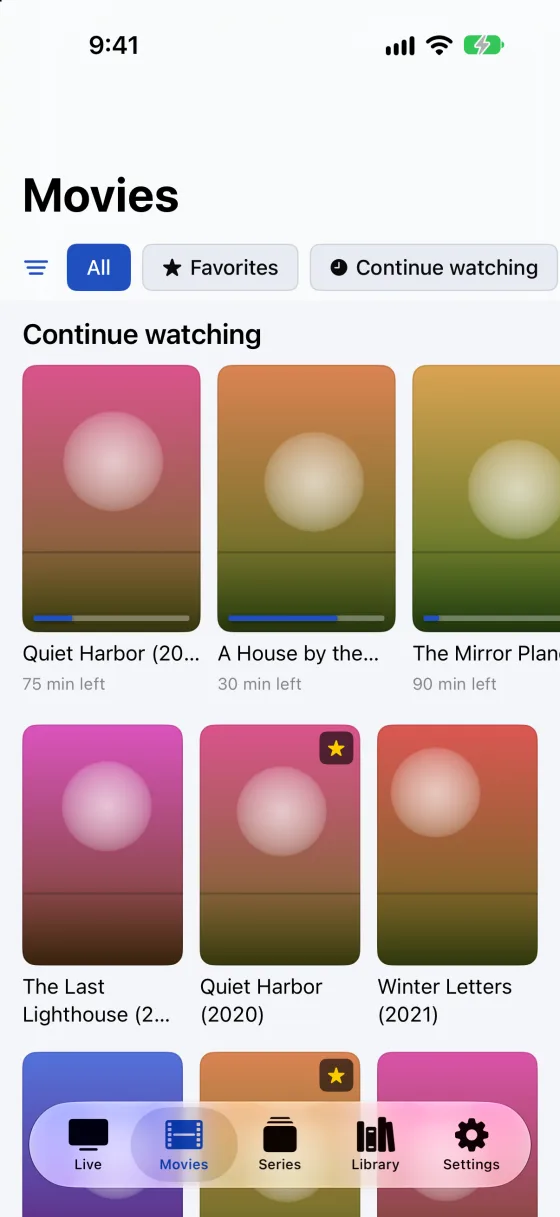
Movies and series as posters.
Browse the whole library by category, or search it as you type.
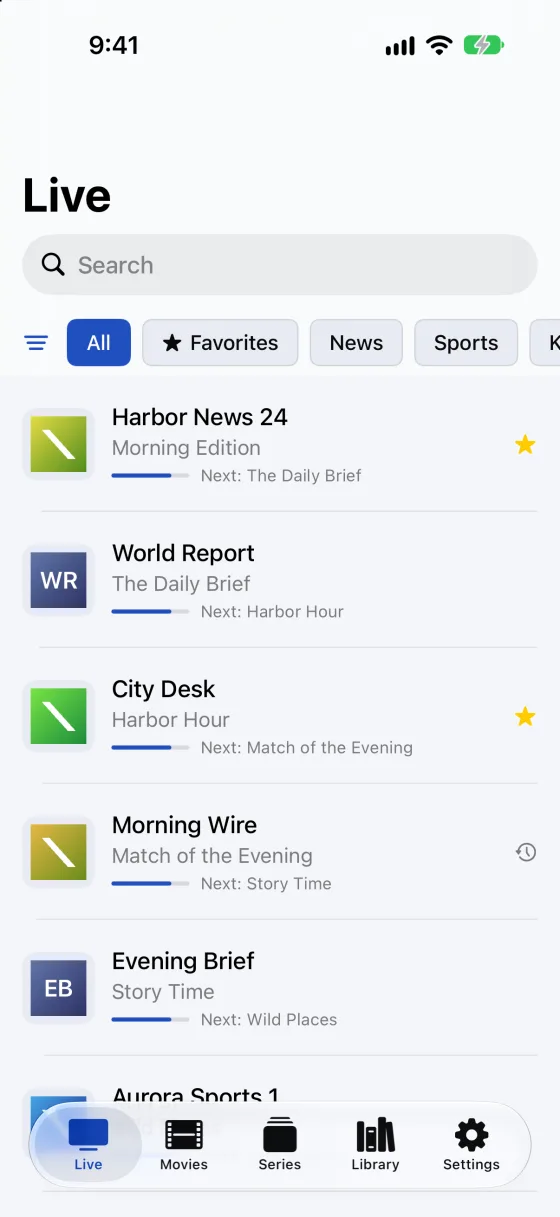
Live, with what is on now.
Each channel shows the program that is on now, where your provider sends a guide.
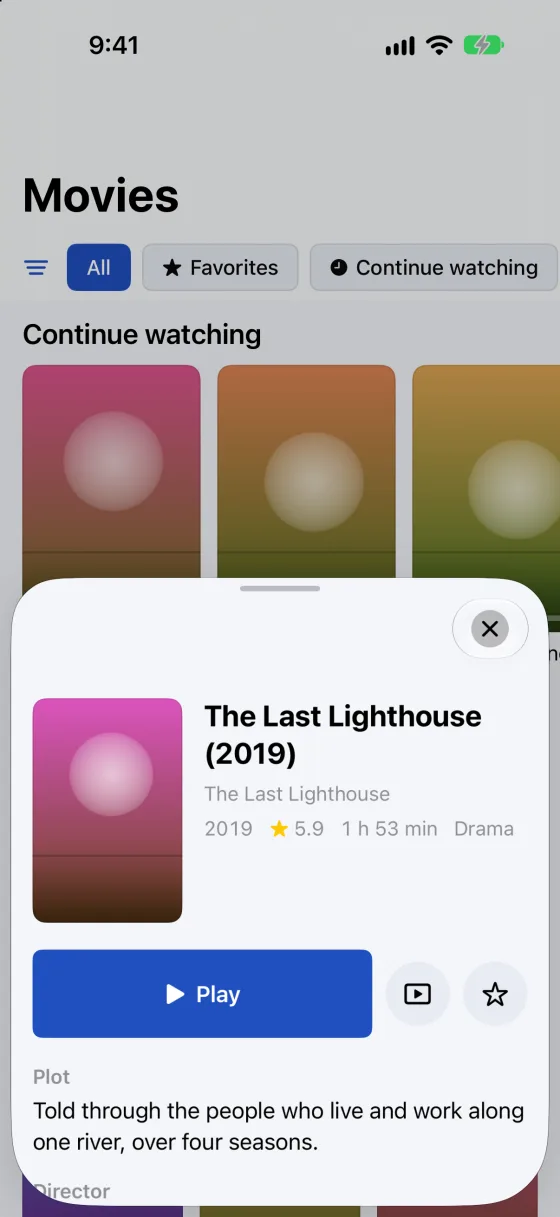
Pick up where you stopped.
Continue watching keeps the episode and the minute. Picture in Picture keeps playing while you use other apps.
Questions
Is it really free?
Yes. No ads, no subscription, no paid features and no account. You can leave an optional tip through Apple (Settings > About); it unlocks nothing.
Which devices does it run on?
iPhone and iPad with iOS 17 or later.
Is the App Store version different from the one on GitHub?
It is the same app and the same code. The App Store version installs with one tap and updates itself after Apple has reviewed each version.