
IPTV on your Mac,the native way.
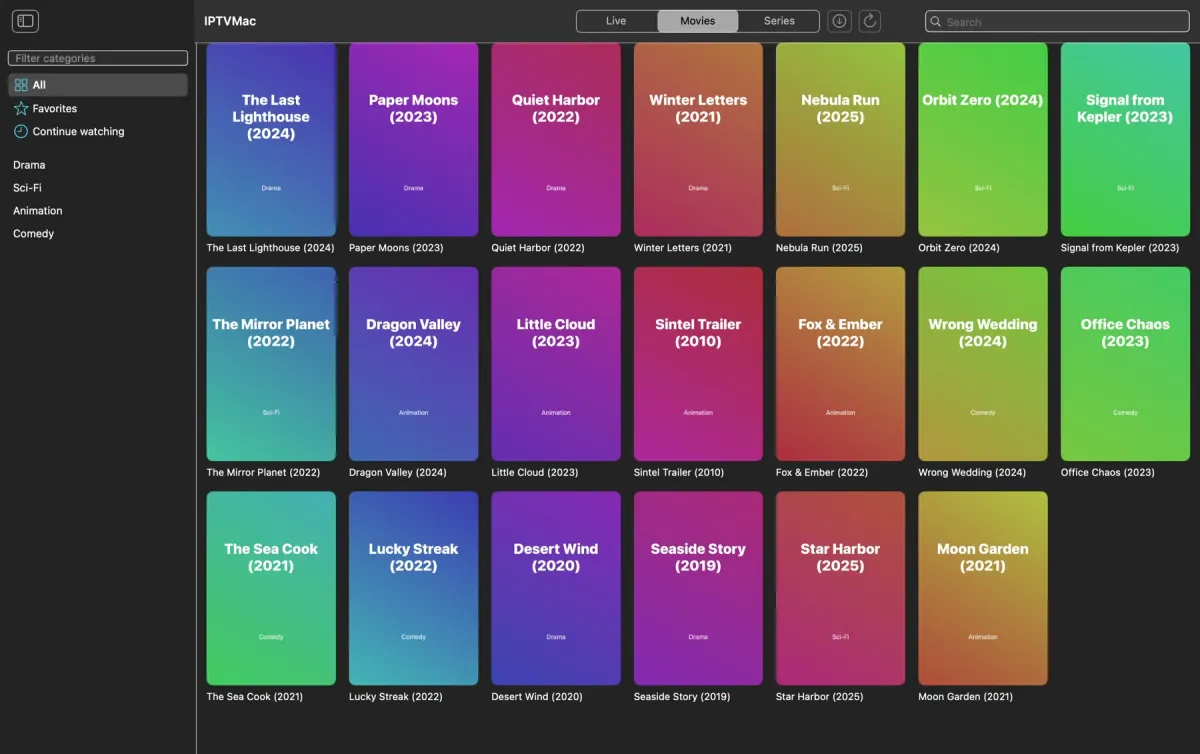
Written in Swift and SwiftUI for Apple Silicon. It plays what your provider sends, finds any title as you type, and updates itself.
Install
Apple Silicon (M1 or later), macOS 14 or later.
- Open IPTVMac.dmg and drag the IPTVMac icon onto Applications.
- Open the app and add your Xtream Codes login or M3U link.
- That is all: the app updates itself.
curl -fsSL https://raw.githubusercontent.com/Goelir/IPTVMac/main/install.sh | bash Signed with an Apple Developer ID and notarized by Apple, so it opens with a normal double-click. The one-line command works for every version and checks the signature and SHA-256 for you.
What you get
A window that stays on top.
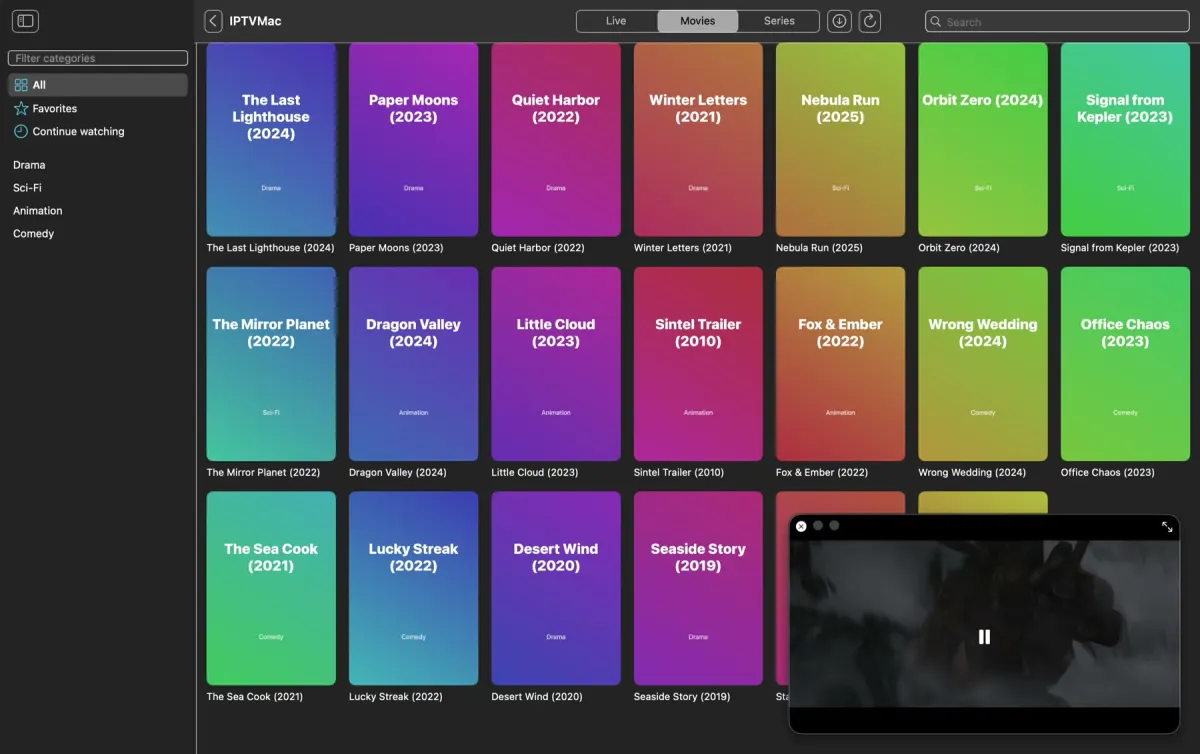
Picture in Picture keeps a channel in a floating window over every app and every Space while you browse for something else.
Speed, subtitles and a sleep timer.
Movies and episodes play from 0.25x to 4x. Embedded and external subtitles, audio tracks, fit, fill or stretch, and a sleep timer from 15 minutes to 2 hours.

Downloads for the road.
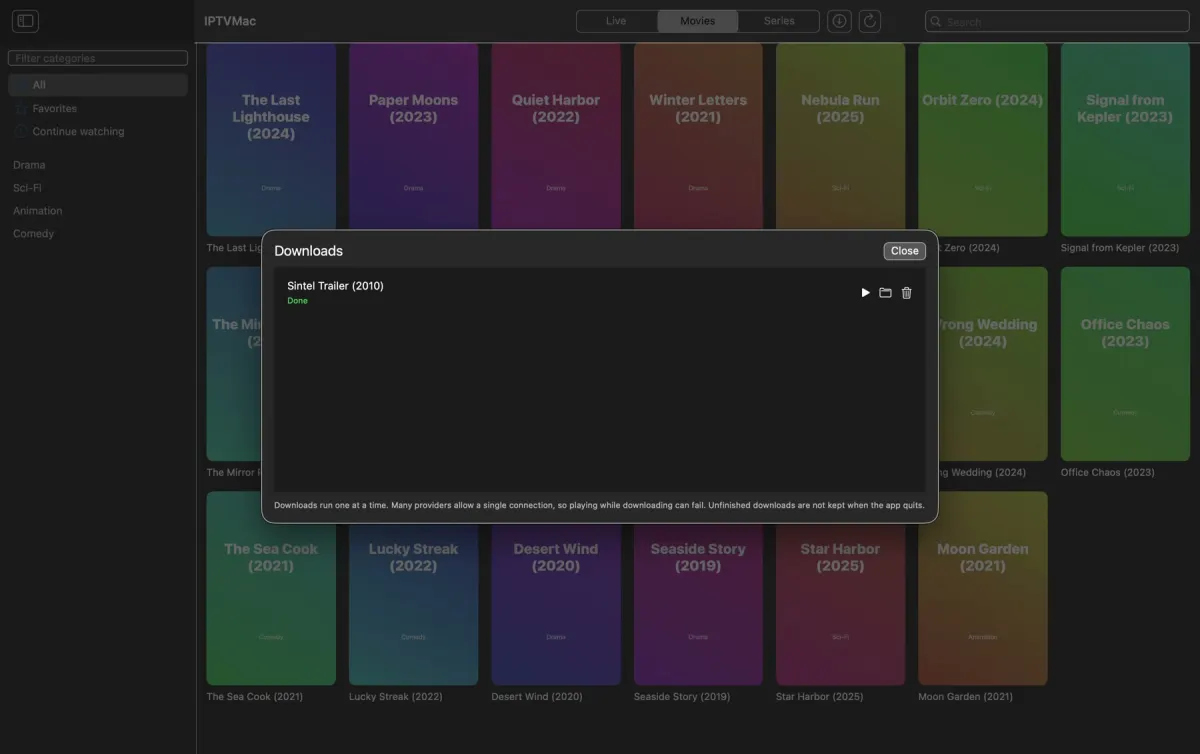
Save movies and whole seasons to a folder you choose and watch them without a connection.
Questions
Which Macs does it run on?
Apple Silicon Macs (M1 or later) with macOS 14 or later. Intel Macs are not supported.
Does macOS open it without a warning?
Yes. Releases are signed with an Apple Developer ID and notarized by Apple, so the DMG opens with a normal double-click.
How does it update?
By itself. It checks GitHub for a new release, verifies the signed checksum, and replaces itself in place.