
IPTV on Windows,without the bloat.
Built with Flutter and a small C++ shell. About 27 MB, made for the keyboard and mouse, and almost no processor use while it sits open.
Install
Windows 10 or 11, 64-bit.
- Open IPTVMac-Windows-setup.exe. It installs for your user only and needs no administrator rights.
- Windows may say it protected your PC: the app is not signed with a paid certificate yet. Choose More info, then Run anyway.
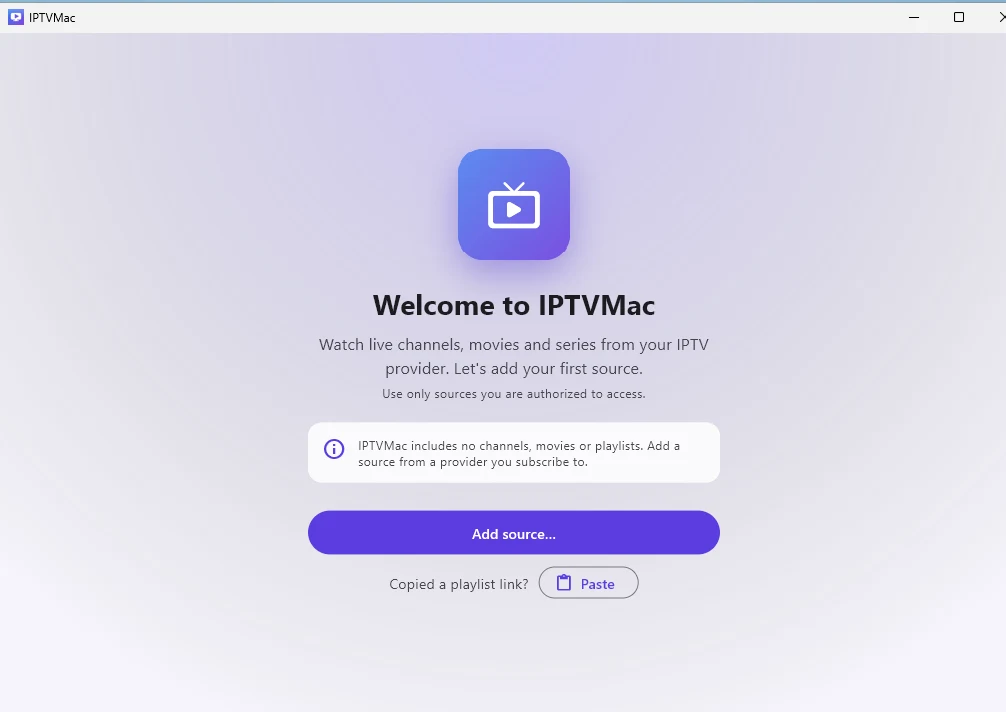
- Open IPTVMac and add your Xtream Codes login or M3U link. Space pauses, the arrows seek, F fills the screen.
Light by design: about 27 MB to download, and while it just sits open it uses almost no processor. Updates are manual for now: the app tells you when a new version is out, and you run the new installer over the old one.
What you get
Keyboard first.
Space pauses, the arrows seek, F fills the screen. Every control is also one click away.
Your whole library, searched as you type.
Live, Movies and Series from Xtream Codes or M3U, with search inside a category, a section or everywhere.
Downloads for offline viewing.
Save movies and episodes and play them without a connection.
Questions
Why does Windows SmartScreen warn about it?
The app is not signed with a paid code-signing certificate yet. Choose More info, then Run anyway. The source code is public on GitHub.
Do I need administrator rights?
No. The installer installs for your user only. There is also a portable zip that runs without installing.
How does it update?
The app tells you when a new version is out. Run the new installer over the old one; your playlists and settings stay.